JRapid
The code generation tool for rapid development of Java business applications.
How JRapid works
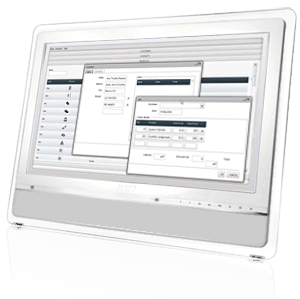
Most business web applications share the same application patterns. JRapid has identified them and created a platform to boost development, using Java and your favorite open source frameworks.
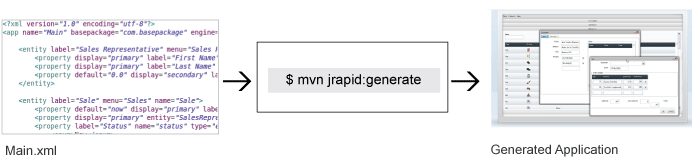
JRapid uses MDD approach to software development: first you have to model your business using JRapid's DSL, and then generate the full stack of a Java business application.
Getting Started
-
1. Download and install Maven 3
-
2. Create a JRapid project
Using the command line go to your preferred location and execute the following command. This may take some time if it’s the first time you’re running maven.
$ mvn org.apache.maven.plugins:maven-archetype-plugin:2.4:generate -DarchetypeCatalog=http://jrapidmaven.s3.amazonaws.com/repository/archetype-catalog.xml
Choose the JRapid Archetype from the list: jrapid-maven-archetype
You’ll be asked to enter some parameters:
- groupId: package name is generally used, eg. com.jrapidmaven
- artifactId: name of the project, eg. jrapidmaven
- version: project version, hit enter for default 1.0-SNAPSHOT
- package: hit enter for default com. jrapidmaven
- jrapidVersion: version of JRapid to be used, eg. 1.0nb93
Confirm the parameter values to move on.
-
3. Design your JRapid application and generate
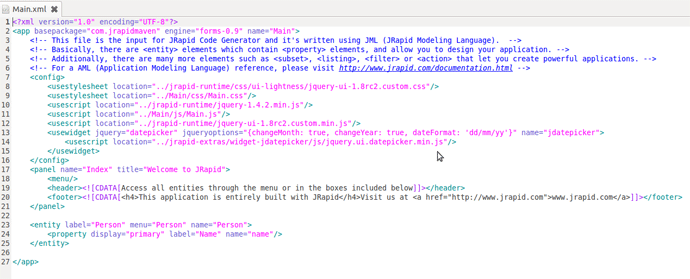
Either using Eclipse or your favorite editor, edit Main.xml and design your application using AML (Application Modeling Language).
After you finished modelling your application, run the following command to generate the code:
$ mvn jrapid:generate
-
4. Try your application in Jetty
In the application folder, execute the Maven Jetty plugin:
$ mvn jetty:run
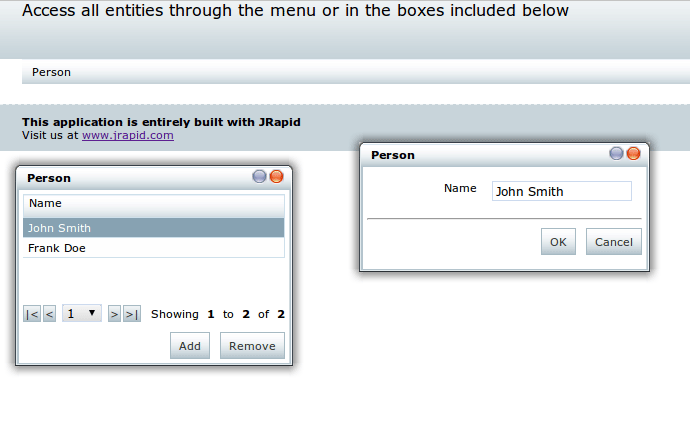
Then try the application in your browser entering the URL: http://localhost:8080/{appName}, eg. http://localhost:8080/jrapidmaven
Using JRapid with Eclipse
-
1. Run maven eclipse plugin
Convert the project into an Eclipse project by running:
$ mvn eclipse:eclipse
If it is the first time you’re using maven and Eclipse, run the following command replacing %WORKSPACE% with the path to your Eclipse workspace.
$ mvn eclipse:add-maven-repo -Declipse.workspace=%WORKSPACE%
-
2. Import the project to Eclipse
File -> Import
Choose “Existing Projects into Workspace” from the General group
Select the location of your recently created project and click on Finish.
-
3. Run generation from Eclipse
Open Eclipse preferences window.
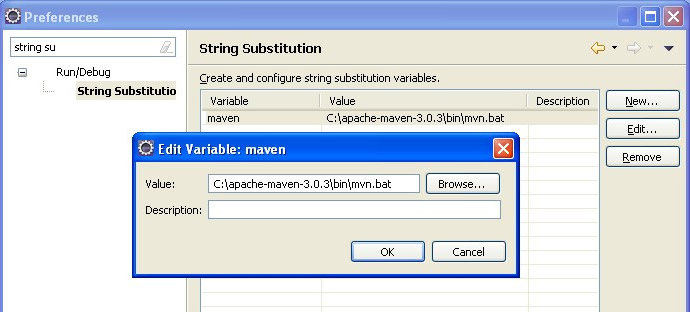
Search for String Substitution and add a variable “maven” with the value pointing to your maven executable.
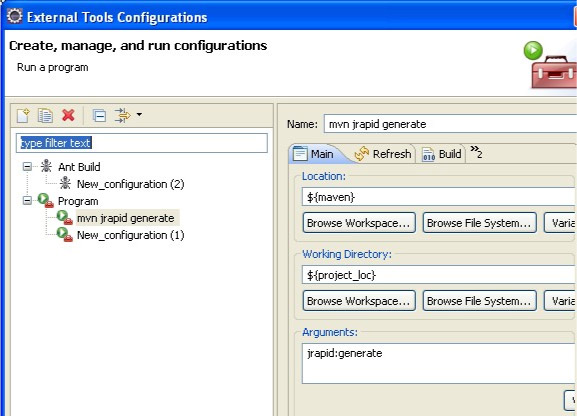
Create an External Tools Run Configurations to execute the generation.
Run the generation by clicking on the toolbar shortcut.